Provider guides
Zoho Mail SMTP and IMAP Settings for Cold Email
Zoho Mail server settings for connecting a mailbox over SMTP/IMAP, plus what Zoho’s published sending policy means for cold outreach.
Send from your own Gmail, Outlook and SMTP inboxes. Build follow-up sequences, rotate across every sender, and let MailQV pace each send, stop on replies and pause campaigns when bounces climb.
7-day free trial · No per-mailbox fees
 Gmail
Gmail  Outlook SMTP
Mailboxes 4
ActivityGuardrails on
reply.detected Sequence stopped — prospect repliedbounce.hard Address suppressed across workspaceprovider.throttled Mailbox resting 2h — provider throttlesend.ok Step 2 sent via rotated sendercampaign.paused Campaign paused — bounce thresholdTeams sending with MailQV

 mammoriapingyou.ai
Guardrails
Most senders keep pushing until you notice the damage. MailQV re-checks the campaign, contact, mailbox and quota right before every single send.
send.checked Sender connected, daily capacity free, inside your sending window, contact not suppressed. Only then does the email go.
send.ok Sent from the mailbox with the most headroom right now, with randomized gaps so the pace stays human.
sequence.wait MailQV waits the delay you set. No reply signal means the next step stays scheduled.
followup.sent Step 2 goes out as a reply in the original thread, from the same sender when possible, so it reads like a real nudge.
reply.detected Their follow-ups stop automatically when a supported reply signal is detected. No awkward “just bumping this” after a yes.
And when something goes wrong
bounce.hard The address is suppressed across your workspace and every pending send to it is cancelled.
contact.unsubscribed Every email carries List-Unsubscribe headers. Opt-outs are suppressed instantly, everywhere.
provider.throttled That mailbox sits out of rotation for 1–4 hours while your other senders keep going.
mailbox.reauth_required It is flagged for reconnect and skipped. Your campaigns stay intact and resume when it is back.
bounce_rate.threshold You get a warning first. Past the threshold, the campaign pauses itself and tells you why.
Everything outbound needs
No per-inbox pricing, no guesswork on volume, no babysitting campaigns.
Connect as many inboxes as you need on paid plans. You pay for sends and contacts, never a per-mailbox fee.
alex@acme.io Ready sam@acme.io ReadyEach send goes to the mailbox with the most headroom. Follow-ups stay with the original sender when possible.
Explore sender rotationMulti-step sequences with wait days that run inside your sending windows.
Invalid contacts, missing senders, quota and schedule issues are flagged before anything goes out.
CSV imports are validated for format, duplicates and fields before contacts enter a campaign.
Explore contact managementSafe Mode
New mailboxes start slow and reach target volume around day ten, with randomized gaps between sends. A conservative control, not a deliverability guarantee.
Sent, replies, bounces, opens, clicks and unsubscribes — per campaign and per mailbox.
Campaign analyticsGet a first draft for an opener or follow-up, then edit it until it sounds like you.
Explore AI-assisted draftingHow it works
Add the mailbox you will send from and fix any reconnect or provider issue before sending begins.
Add contacts manually, import files, and keep invalid, unsubscribed, or suppressed people out of the send queue.
Choose the audience, mailbox, emails, follow-up timing, send window, timezone, and reply-based stop rules.
See scheduled, sent, blocked, replied, bounced, and unsubscribed states; pause or resume campaigns with fresh checks.
Pricing
Choose by monthly email sends and active contacts. Paid plans include unlimited connected mailboxes without a separate per-mailbox fee.
Trial
Explore the platform before choosing a paid plan.
Starter
For individuals and focused outreach.
Growth
Most popularMore capacity for growing teams.
Pro
For established, high-volume teams.
How capacity works: Monthly send allowance is your MailQV plan limit. Actual daily capacity depends on the sending limits of the mailboxes assigned to your campaigns.
Plan allowance Your plan sets the monthly workspace send allowance and active contact capacity.
Mailbox daily capacity Each connected mailbox keeps its own safe daily sending pace, health checks and campaign eligibility.
See full pricingFAQ
A focused alternative
Cold-email essentials without paying for every mailbox.
Compare MailQV with established platforms honestly—across mailbox pricing, sequences, sender controls, contacts and product breadth.
Compare platformsYou can choose a paid plan or stop using the workspace. MailQV does not advertise hidden per-mailbox fees after trial.
No. The free trial can start without a credit card.
You can cancel a paid subscription from billing or contact support before the next renewal.
A sending mailbox is an email account you connect to MailQV and authorize for campaign sending.
Paid plans support unlimited connected mailboxes. The trial supports one. Plan allowances and mailbox-level limits still apply.
Daily capacity depends on the eligible mailboxes selected for a campaign, their configured limits, Safe Mode, provider health and remaining plan usage.
The monthly allowance is a workspace plan limit. Daily capacity comes from the mailboxes assigned to a campaign and can be lower.
Yes. Campaign messages use sending accounts you connect to the workspace.
The product includes connection flows for Google, Microsoft and custom SMTP/IMAP accounts. OAuth availability can depend on production provider approval.
When a supported reply signal is received, MailQV stops pending follow-up steps for that recipient.
The contact becomes ineligible for further campaign sending through suppression checks.
Yes. Select the eligible mailboxes the campaign may use and MailQV distributes sends across them.
No. Safe Mode provides conservative sending controls, but MailQV is not positioned as a mailbox warm-up service.
No. MailQV provides controls and visibility, but no cold email platform can honestly guarantee inbox placement.
Connect a mailbox, import a list and launch your first sequence today.
7-day free trial · No per-mailbox fees
Free email tools
Check MX, SPF, DMARC, BIMI, SMTP reachability and public blocklists for a sending domain.
Open toolFind your SPF record, count DNS lookups and flag syntax problems.
Open toolRead a DMARC record and see the policy, reporting and alignment tags.
Open toolResources
Quick reads to help you plan audiences, sending volume, sequences and measurement before launch.
Provider guides
Zoho Mail server settings for connecting a mailbox over SMTP/IMAP, plus what Zoho’s published sending policy means for cold outreach.
Provider guides
Yandex Mail server settings for connecting a mailbox over SMTP/IMAP, app passwords, and Yandex’s published recipient limits.
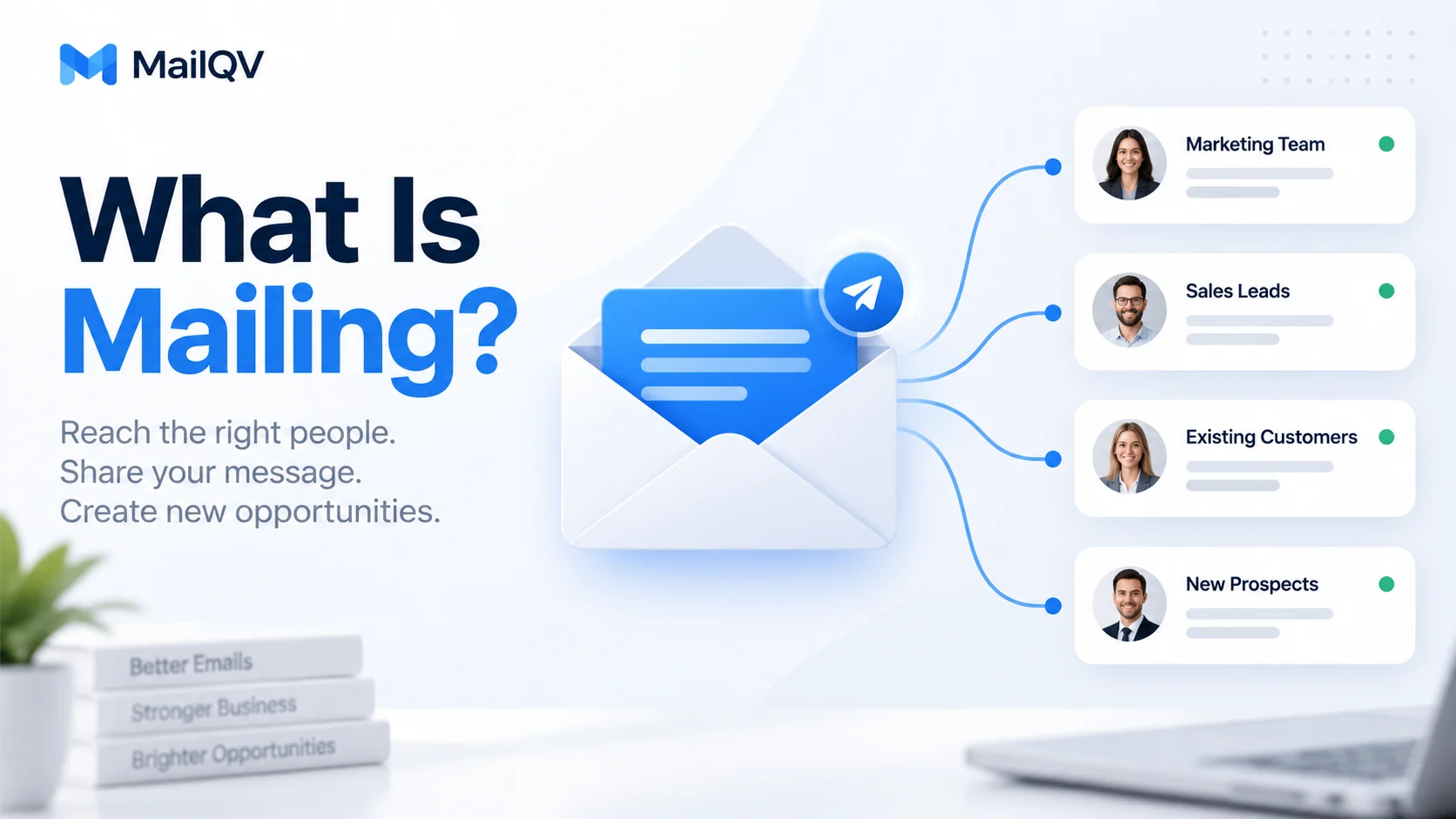
Email marketing
What is mailing, how does it work, and how is it different from email marketing? Learn the fundamentals, use cases, and best practices for professional mailing campaigns.