Deliverability
Custom Tracking Domain for Cold Email: What It Is and How to Set One Up
Why open, click and unsubscribe links should use your own subdomain instead of a shared one, and how to set up a custom tracking domain with one CNAME record.
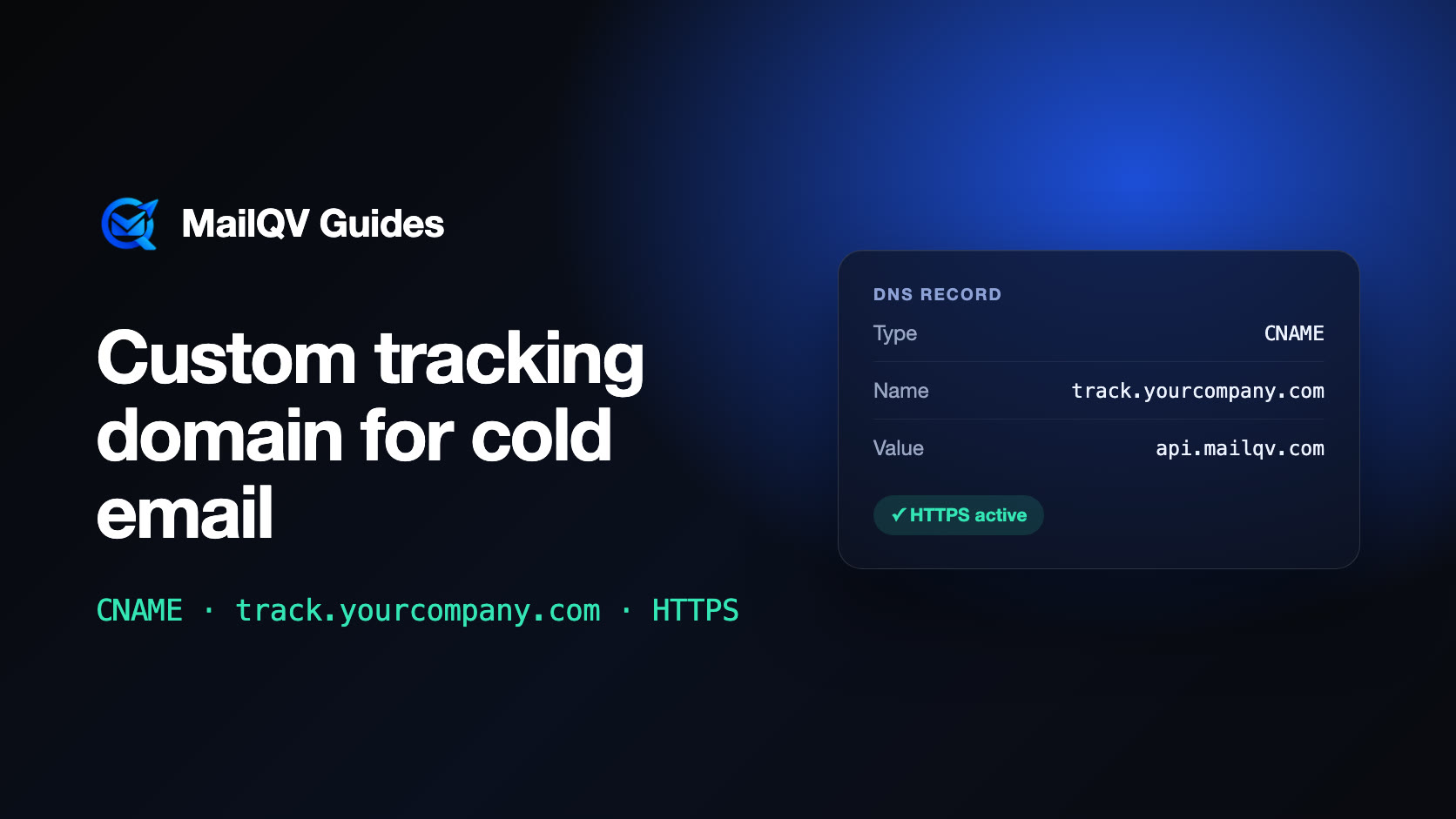
A custom tracking domain is a subdomain you own, such as track.yourcompany.com, that serves the open-tracking pixel, click links and unsubscribe links in your emails. Without one, those links use your email tool’s shared domain, so every message carries a domain that has nothing to do with your brand and whose reputation is shared with every other sender on the platform. Setting one up usually takes a single CNAME record.
What tracking links actually contain
With open tracking on, each email includes a tiny image that loads from a tracking server. With click tracking on, each link is rewritten to pass through that server before it redirects to the real page. Unsubscribe links work the same way. All three point to a domain, and by default it is the sending tool’s domain.
Recipients rarely notice, but mailbox providers and security filters read every URL in a message. An email from you@yourcompany.com whose links point to an unrelated shared domain looks different from one whose links stay on yourcompany.com.
Why a shared tracking domain is a risk
Spam filters and domain blocklists evaluate the domains found in a message body, not only the sender. On a shared tracking domain, your links inherit a reputation built by every customer of that tool—including the careless ones. If that domain is blocklisted, careful senders are affected too.
- Your links share reputation with senders you do not know.
- The link domain does not match your From domain.
- A blocklisting of the shared domain affects everyone on it.
- Corporate link scanners may treat unfamiliar redirect domains with extra suspicion.
How a custom tracking domain works
You choose a subdomain of a domain you control—track., link. and go. are common—and add a CNAME record that points it at the tracking host your email tool gives you. The tool then issues an HTTPS certificate for that subdomain and starts writing it into the pixel, click and unsubscribe links.
Nothing else about sending changes. Mailboxes, SPF, DKIM and DMARC stay exactly as they are; only the links inside the message move to your domain.
Setup checklist
The work is one DNS record, but a few details decide whether it goes live on the first try.
- Use a subdomain, not the root domain: a root domain cannot carry a CNAME record.
- Use the domain you send from, or one clearly tied to your brand.
- Turn proxying off for the record (for example Cloudflare’s orange cloud) so the record resolves directly and the certificate can be issued.
- Allow time for DNS to propagate—usually minutes, occasionally a few hours.
- Send yourself a test email and hover over a link to confirm it uses your subdomain.
Setting it up in MailQV
A workspace owner or admin opens Settings → Tracking domain, enters a subdomain such as track.yourcompany.com and adds the CNAME record shown on that screen. MailQV checks DNS automatically, issues the HTTPS certificate itself and switches the workspace over once the domain answers securely. From then on, open pixels, click links and unsubscribe links in new emails use your subdomain.
Until the domain is active, emails keep using the default tracking domain, so nothing breaks while DNS propagates.
What it does not fix
A tracking domain removes one source of shared risk. It does not make a weak list or a spammy message acceptable, and authentication, targeting and volume still matter more.
Open tracking is also imperfect on its own: some mail apps, such as Apple Mail with Mail Privacy Protection, load images automatically and inflate open counts. Treat replies and clicks as stronger signals than opens.
Frequently asked questions
Does a custom tracking domain improve deliverability?
It removes the risk of sharing link reputation with other senders and keeps links consistent with your brand. It is one factor among many; authentication, list quality and volume matter more.
Can I use my main domain as the tracking domain?
Use a subdomain such as track.yourcompany.com. A root domain cannot have a CNAME record, and a separate subdomain keeps tracking apart from your website.
Do I need a tracking domain if open and click tracking are off?
It still helps. Unsubscribe links also run through the tracking host, so with tracking off the unsubscribe link is the one that uses it.
Put it into practice
Run measured outreach with mailbox-level control.
MailQV connects sender rotation, sequences, contacts and campaign signals without claiming guaranteed inbox placement.