Deliverability
Gmail and Yahoo Sender Requirements: What They Mean for Cold Email
SPF, DKIM, DMARC, one-click unsubscribe and the 0.3% spam-rate ceiling: what Google and Yahoo require from senders and how cold email teams should apply it.
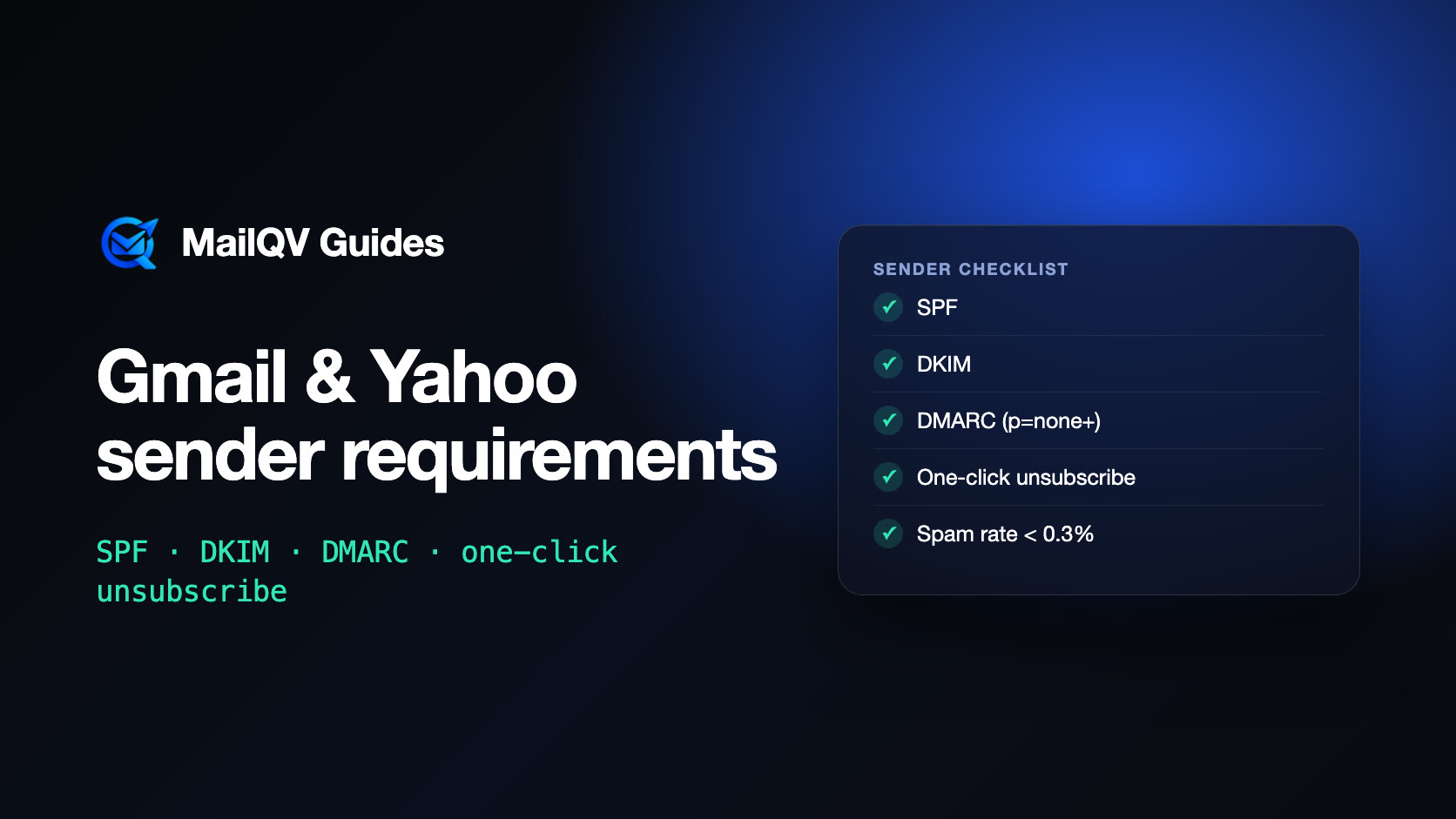
Gmail and Yahoo require every sender to authenticate mail with SPF or DKIM, use valid DNS and TLS, and keep spam complaints low. Senders that reach about 5,000 messages a day to Gmail must also publish DMARC, align their From domain, offer one-click unsubscribe and honor unsubscribes within two days. Most cold email teams never hit that threshold from one domain, but the rules describe what mailbox providers expect, and the spam-rate ceiling applies to everyone.
What changed in 2024
In February 2024, Google and Yahoo began enforcing sender requirements that had long been best practice. Mail that does not meet them can be rate-limited or rejected. The rules have two layers: requirements for every sender, and extra requirements for bulk senders.
Requirements for every sender
If you send through Google Workspace or Microsoft 365, the provider takes care of DNS and TLS for its own servers. SPF and DKIM for your domain are still yours to publish.
- Authenticate with SPF or DKIM.
- Use sending servers with valid forward and reverse DNS.
- Use TLS when transmitting email.
- Keep the user-reported spam rate below 0.3%.
- Format messages according to RFC 5322.
Extra requirements for bulk senders
Google defines bulk senders as those sending close to 5,000 or more messages a day to personal Gmail accounts. Yahoo describes bulk senders in similar terms.
- Publish both SPF and DKIM.
- Publish a DMARC record; a p=none policy meets the requirement.
- Align the From domain with the SPF or DKIM domain.
- Offer one-click unsubscribe (RFC 8058 List-Unsubscribe headers) for marketing messages, plus a visible unsubscribe link.
- Honor unsubscribe requests within two days.
Why cold email teams should follow them anyway
A cold campaign spread across several mailboxes rarely sends 5,000 messages a day to Gmail from one domain. But the threshold is not a safe zone: providers judge every message, and the practices behind the bulk rules—authentication, an easy way out and low complaints—are the same signals that keep a small sender in the inbox.
The spam-rate ceiling matters most. Cold emails reach people who did not ask for them, so complaints rise quickly when targeting is loose. A clear unsubscribe option turns “report spam” into “unsubscribe”, which protects the domain.
A practical checklist
Work through these once per sending domain, then keep them in place for every campaign.
- Publish SPF, DKIM and a DMARC record for every sending domain.
- Send from an address whose domain matches its DKIM signature.
- Include an unsubscribe link and one-click unsubscribe headers in every campaign email.
- Suppress unsubscribed and bounced addresses across all campaigns.
- Watch spam rate in Google Postmaster Tools once your volume is high enough to show data.
How MailQV handles it
MailQV adds a visible unsubscribe link and List-Unsubscribe headers with one-click support (RFC 8058) to every campaign email. An unsubscribe takes effect immediately and adds the address to the workspace suppression list, so it is skipped in every campaign.
Authentication stays with your domain: use the free SPF, DKIM and DMARC checkers to confirm the records before sending.
Official sources
Provider limits and policies can change. These official pages were reviewed on 2026-10-24.
Frequently asked questions
Do the Gmail sender rules apply to cold email?
Yes. The all-sender requirements apply to every message. The bulk requirements formally apply above roughly 5,000 daily messages to Gmail, but following them is good practice at any volume.
Is a DMARC policy of p=none enough?
For the requirement, yes. Move to quarantine or reject later, once DMARC reports show that all legitimate mail passes.
What spam rate is safe?
Google asks senders to keep the rate shown in Postmaster Tools below 0.1% and never reach 0.3%. Yahoo also uses 0.3% as its ceiling.
Put it into practice
Run measured outreach with mailbox-level control.
MailQV connects sender rotation, sequences, contacts and campaign signals without claiming guaranteed inbox placement.