Sending volume
How to Scale Cold Email Across Multiple Mailboxes
Scale a campaign with mailbox pools, individual limits, shared suppression and clear operational ownership.
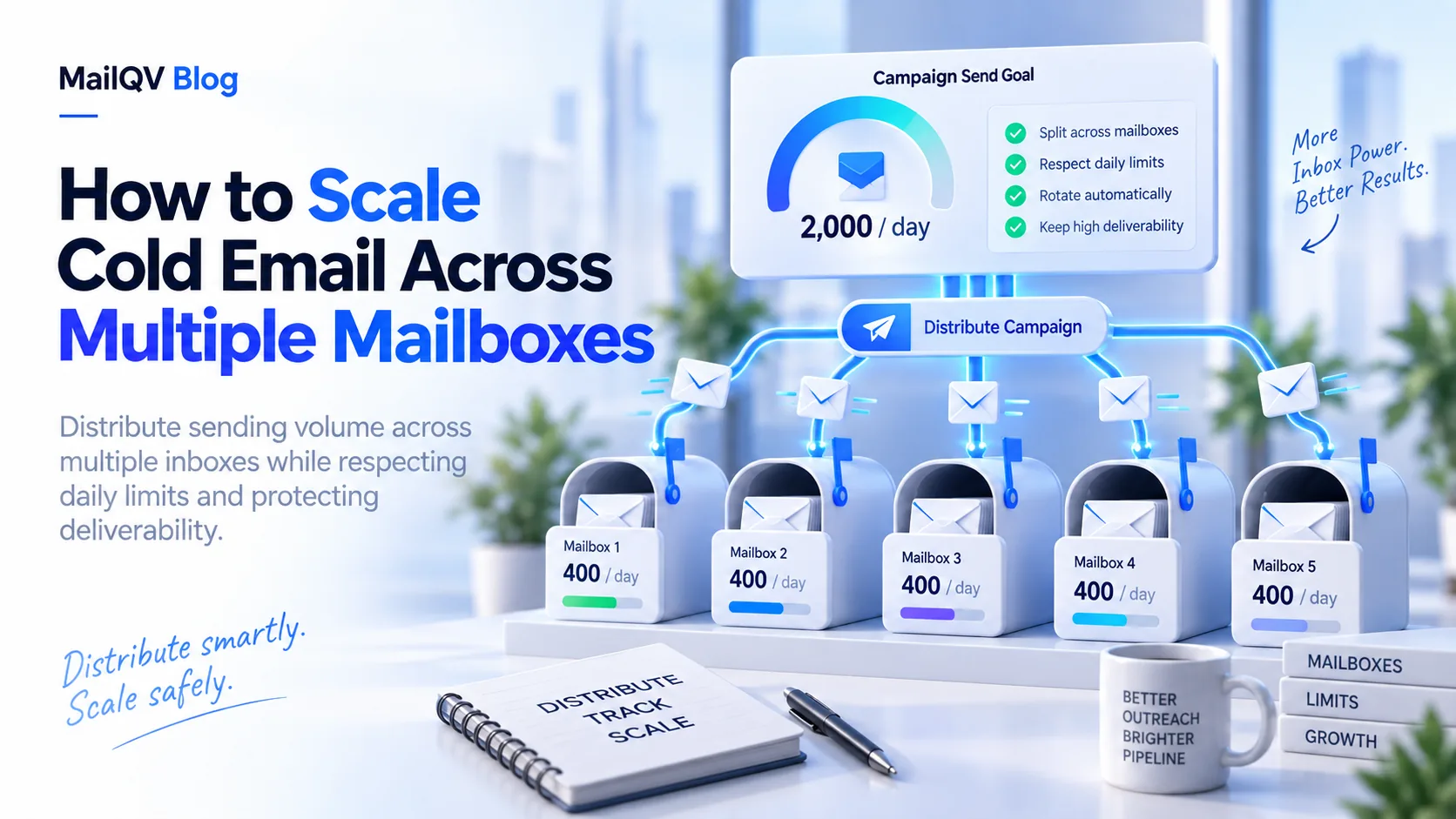
Scale by adding well-configured mailboxes to a managed sender pool, assigning conservative per-mailbox limits and centralizing suppression, replies and monitoring. Do not multiply volume until the audience and process work at smaller scale.
Make the workflow scale first
Before adding accounts, prove that contacts are relevant, authentication passes, replies are handled and suppression works. More mailboxes multiply both good operations and mistakes.
For six mailboxes at 25 configured sends each, theoretical capacity is 150 per day. Use a buffer for disconnected accounts, provider delays and normal correspondence.
Operate one pool, not six silos
Central state prevents the same contact from receiving parallel sequences from different senders.
- Set and review limits per mailbox.
- Keep reply ownership visible.
- Apply global suppression before every send.
- Compare bounce and throttle signals by sender.
- Document when a mailbox should pause.
Increase capacity deliberately
Add capacity only when demand is real and quality signals remain stable. MailQV distributes campaigns across selected eligible accounts while preserving individual controls.
Put it into practice
Run measured outreach with mailbox-level control.
MailQV connects sender rotation, sequences, contacts and campaign signals without claiming guaranteed inbox placement.