Provider limits
Gmail Sending Limits vs Safe Cold Email Volume
Compare Gmail’s published account limits with the lower operating volume a measured cold email program may choose.
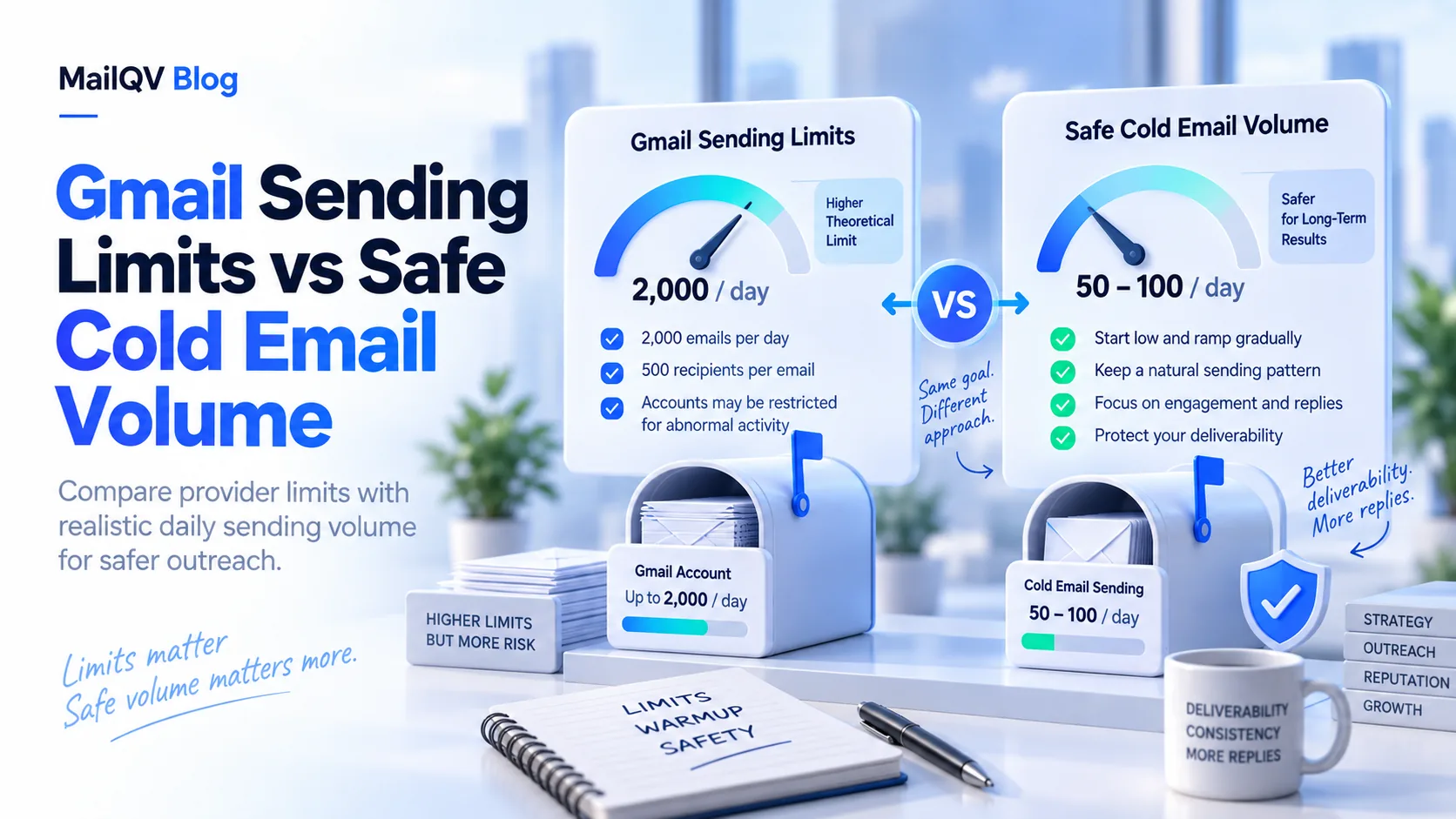
Gmail’s published limits are enforcement ceilings, not recommended cold-email targets. Consumer Gmail documents more than 500 emails or recipients in a day as a trigger; Google Workspace limits vary by route and account status. Use a lower, observed mailbox limit and check official documentation before changing it.
Know which Google limit applies
Consumer Gmail, Google Workspace Gmail and SMTP relay are different paths with different limits. Recipient counts, rolling windows, trial status and account standing can change effective capacity. Google can also restrict suspected abuse.
Google separately defines requirements for senders approaching 5,000 messages per day to personal Gmail accounts. That domain-level bulk-sender threshold is not permission to send that volume from one mailbox.
Hard ceiling versus operating limit
A mailbox configured at 30 campaign sends per day may remain far below the provider ceiling because cold outreach creates different reputation and complaint risks from expected correspondence.
- Reserve room for ordinary mailbox use.
- Ramp changes gradually and monitor errors.
- Count every recipient and follow-up.
- Never use mailbox rotation to evade provider enforcement.
Plan from the lower number
Use the lowest of provider capacity, mailbox configuration, campaign rules and plan allowance. MailQV respects configured mailbox limits and shows pooled capacity as an estimate.
Official sources
Provider limits and policies can change. These official pages were reviewed on 2026-09-14.
Frequently asked questions
Does Gmail allow 500 cold emails a day?
The documented consumer limit is not a cold-email recommendation. Sending unwanted or risky traffic can trigger restrictions below a published ceiling.
Put it into practice
Run measured outreach with mailbox-level control.
MailQV connects sender rotation, sequences, contacts and campaign signals without claiming guaranteed inbox placement.