Provider limits
Outlook / Microsoft 365 Sending Limits vs Cold Email Volume
Understand Exchange Online service limits and why a cold email operating limit should remain a separate decision.
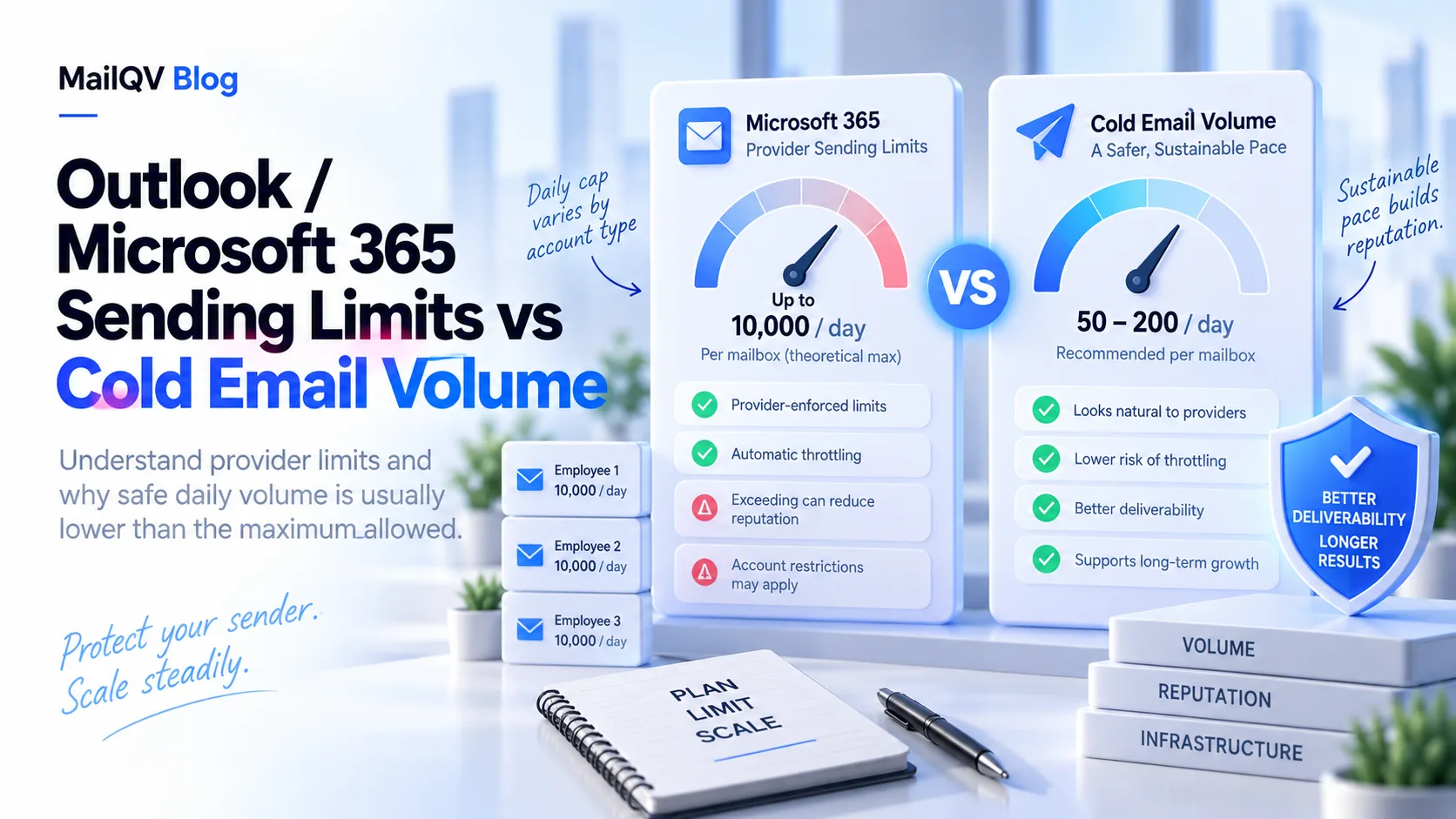
Exchange Online documents a 10,000-recipient daily per-user limit and 30-message-per-minute rate limit, plus tenant-level and anti-spam controls. These are hard service limits, not safe cold-email recommendations; use lower mailbox-level limits based on observed recipient and provider signals.
Several Microsoft limits apply together
Microsoft documents per-user recipient and message-rate limits. The Tenant External Recipient Rate Limit scales with licenses, while outbound spam policies can restrict a user independently.
The recipient window is rolling, and exceeding a limit can reject, queue or restrict sending depending on which control fired.
Do not plan at the ceiling
Service limits protect platform capacity and abuse controls; they do not certify list quality or inbox placement. A conservative campaign setting leaves room for ordinary correspondence.
- Monitor NDR codes and restricted-entity alerts.
- Count internal business use alongside campaign demand.
- Use authenticated, owned domains and mailboxes.
- Pause rather than routing around a restriction.
Keep provider and campaign policy separate
Review Microsoft’s current documentation whenever limits inform a launch plan. MailQV lets connected Microsoft senders keep individual campaign limits even when the provider ceiling is higher.
Official sources
Provider limits and policies can change. These official pages were reviewed on 2026-09-14.
Put it into practice
Run measured outreach with mailbox-level control.
MailQV connects sender rotation, sequences, contacts and campaign signals without claiming guaranteed inbox placement.