Campaign operations
How to Organize Cold Email Leads With Lists and Tags
Use lists for campaign-ready audiences and tags for reusable attributes without losing suppression or history.
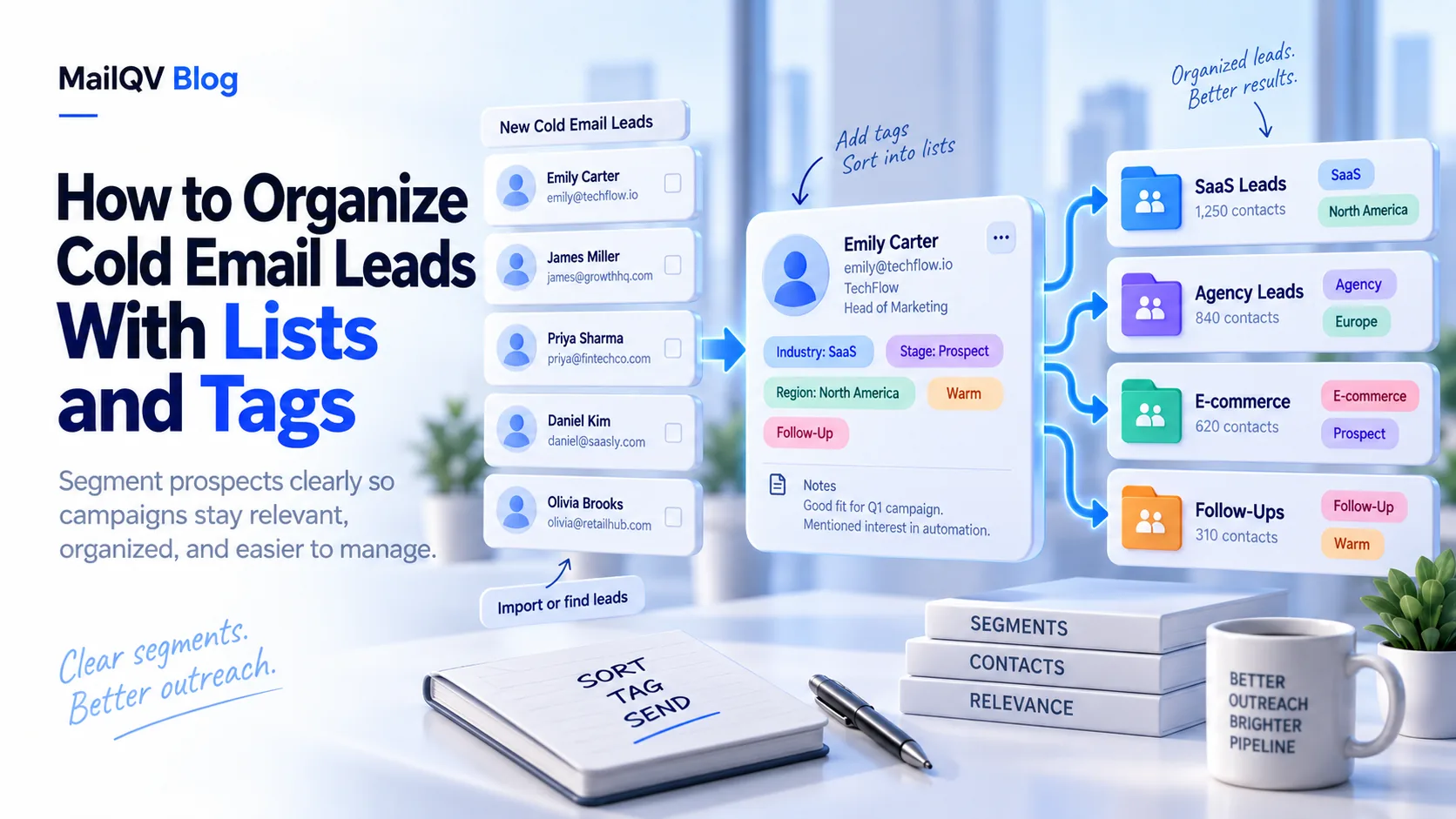
Use lists for a defined audience or campaign workflow and tags for reusable attributes such as source, persona, region or hypothesis. Keep lifecycle and suppression as controlled contact states—not informal tags teammates can accidentally override.
Lists and tags answer different questions
A list answers “who belongs in this working audience?” A tag answers “what is true about this contact?” One contact might be in the Q4 SaaS founders list and carry tags for webinar-source, operations-persona and UK.
Avoid creating a new tag for every one-off import filename. Define a small taxonomy teammates can understand six months later.
Keep eligibility outside taxonomy
Unsubscribed and hard-bounced are not marketing segments. They are sending constraints that must hold across lists.
- Document naming rules.
- Normalize fields during import.
- Preserve source and consent context.
- Check active campaign enrollment before reuse.
- Apply suppression globally.
Build campaign-ready views
Combine list membership, tags and controlled status to produce a reviewable audience. MailQV provides lists, tags, custom fields and suppression states without requiring a full CRM.
Put it into practice
Run measured outreach with mailbox-level control.
MailQV connects sender rotation, sequences, contacts and campaign signals without claiming guaranteed inbox placement.